 SoundCurrentGet SoundCurrent
Make room for
your sound.
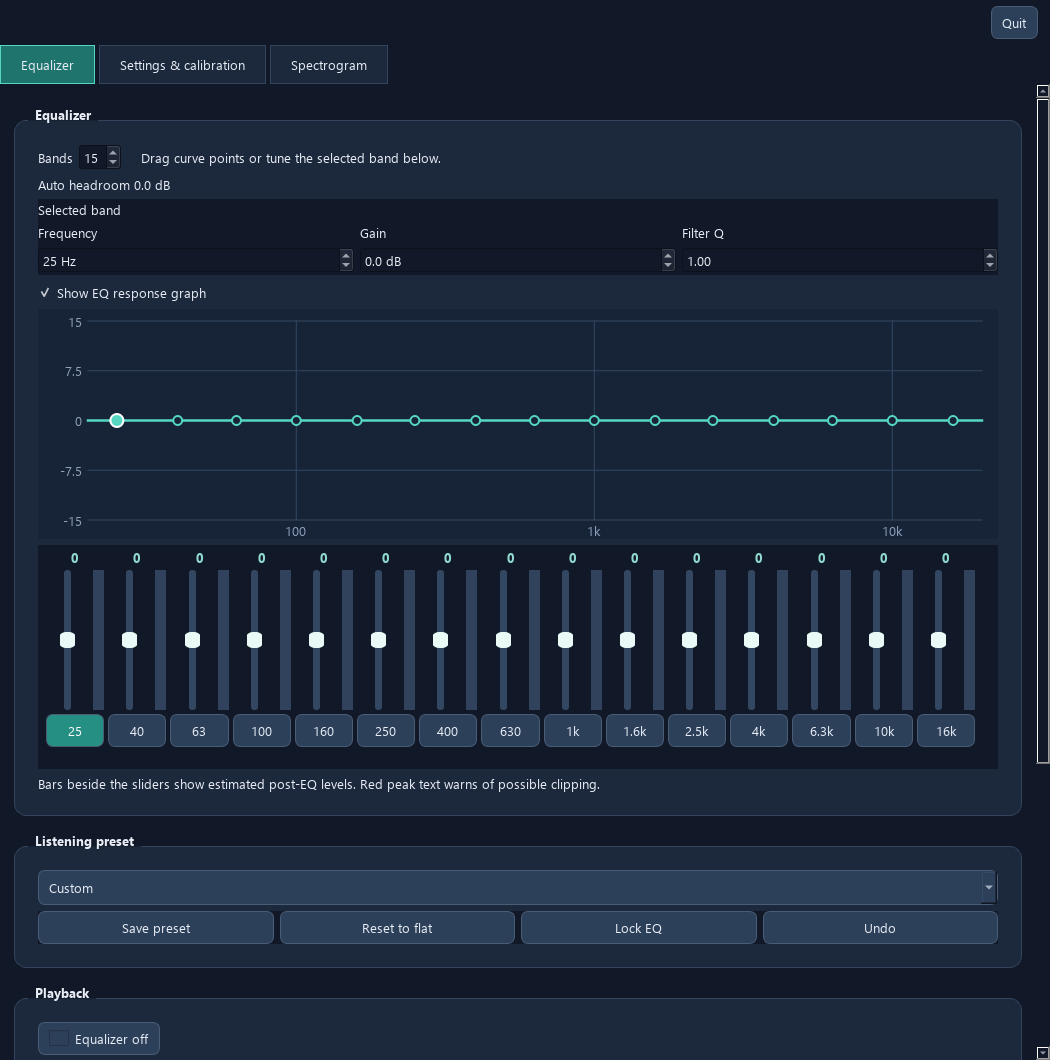
Shape everyday listening with EQ.
Go deeper into channels and effects with Studio.
Two tools. One SoundCurrent.
01 / CHOOSE YOUR TOOL
A little tuning.
Or a deeper dive.
Choose the app for the way you listen.
You don’t need to run both.
02 / WHERE THINGS STAND
Know before
you install.
Linux Available
Downloads are available for supported distributions. Check the installation guide for distribution and audio-system requirements.
Windows Support in progress
Windows is not fully supported yet. Current installers use VB-CABLE, which introduces unwanted latency. The SoundCurrent app and installer are currently unsigned.
A native Windows audio driver is on the way. It is not yet the recommended public installation route. Keep Secure Boot enabled and follow the current setup guide.
macOS On the way
A macOS version is planned. There is no supported macOS release to download yet, and no release date has been announced.
Live channel support depends on your audio device and backend. Offline or synthetic multichannel tests do not establish support for every physical surround setup.
03 / DOWNLOAD
Your next
listening session.
Official downloads come directly from GitHub.
Free, open-source apps under GPL-3.0.
Windows support is incomplete and the VB-CABLE route adds latency. macOS is not available yet.
Find the current stable releases on GitHub.
Checking the release snapshot…
04 / SETUP & HELP
Less guessing.
More listening.
The technical instructions live in GitHub,
alongside the code they describe.
Windows setup & audio routing ↗
Driver setup, restart requirements, physical output selection and Windows volume control.
Linux installation ↗
Supported distributions, package requirements and the Linux installer.
Find your way around Studio ↗
Live and offline editing, Apply settings, channel controls, effects and saved setups.
EQ & listening enhancements ↗
Understand the controls before dialing in your sound.
Which app should I start with?
Start with EQ if you want an equalizer, presets and listening adjustments. Choose Studio if you also need per-channel EQ, mixing, routing, delay, reverb or dynamics. Select your app above to see its downloads and setup guides.
Why don’t changes affect playback?
Check that processing is enabled and the correct physical speakers or headphones are selected. In Studio, a saved setup opened for review can be staged offline; use Apply settings when ready. Launching with preview mode intentionally disables live processing. See the Windows routing and Studio guides for details.
What if Windows volume or mute does not work?
Current installers save the primary VB-CABLE Windows Volume Control setting. If configuration was deferred or failed, open Audio driver setup, approve the requested administrator action and restart Windows. The official setup guide explains the manual control-panel alternative. Avoid adding gain to compensate for an incorrect route.
Can I use the native Windows driver today?
It remains an experimental development path pending production signing and release qualification. Public Windows installs currently use signed VB-CABLE. A native Windows route is on the way; this website does not recommend disabling Secure Boot to install experimental drivers.
05 / KEEP THE CURRENT MOVING
Like my work?
Help me build more.
SoundCurrent is independent, open-source work. If you like what I’m making, you’re welcome to help fund its development.
Your support helps cover development time and costs such as Windows signing certificates and the Microsoft driver signing and approval process, as I work toward a native Windows driver and macOS support.
Choose an amount that feels right to you. Give once, or support the work monthly from $1.
One-time contributions use Stripe and do not start a subscription. Support is optional; the apps and source remain freely available.